

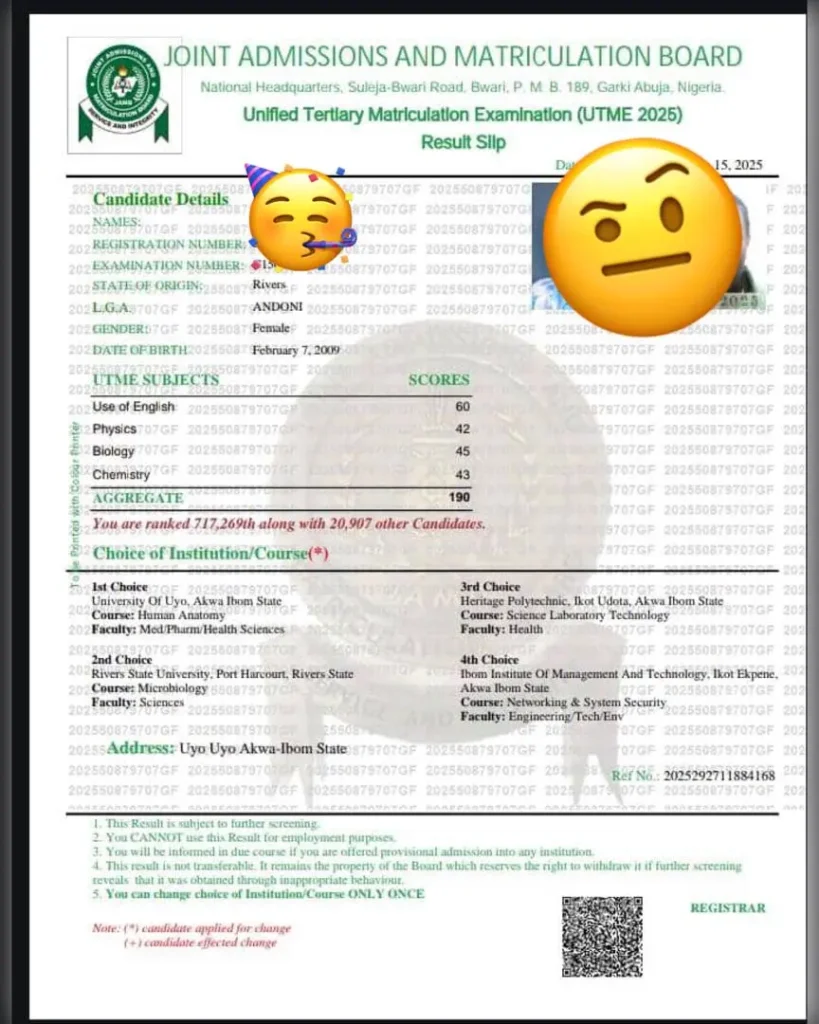
Your original JAMB exam result is one of the documents which you will need during your admission screening. You need to make sure you have it ready by the time you go to your new school to process your admission. I will show you how to check your admission status consequently, but now let’s stay on how to print your JAMB original result.
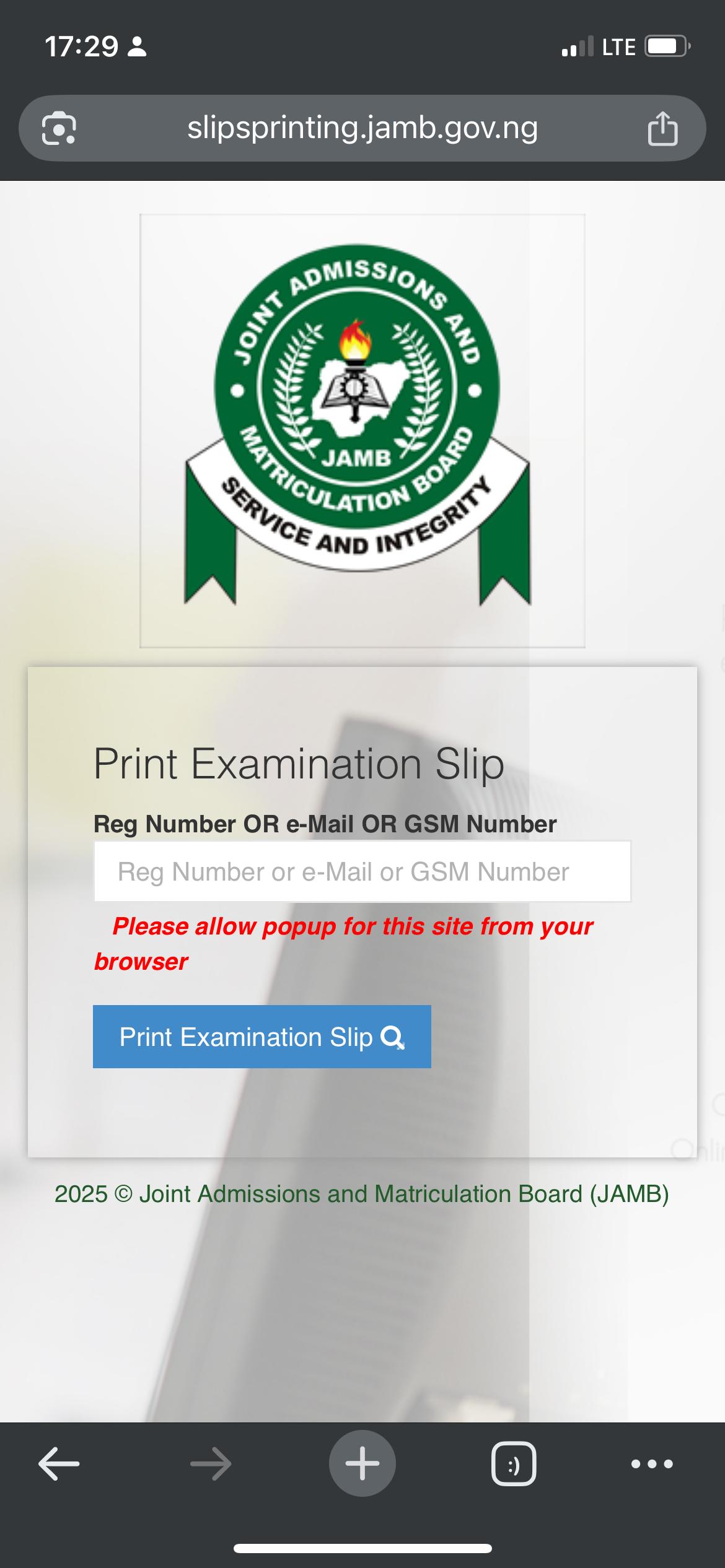
First of all, you need to access the JAMB result printing website.
Input your JAMB registration number on the space provided for it.
Alternatively, you can input your email address or phone number in the space provided. Simply make sure you use only the email or number which is registered with JAMB. That means, the email address or phone number which you used during the exam registration.
Click on ‘print examination slip’ after you have inputed your JAMB registration number.
Your JAMB original result will be visible and ready for download at this point.
Incase ads pop up during the process, simply click ‘allow’ to enable you continue the process smoothly.
Your JAMB original result should look similar to the screenshot sample which you saw earlier on in this post. Not necessarily the same subject combination and score, but I’m sure you get the gist.
Make sure you print out the original result slip after downloading it as you will need the slip during admission screening. The 55019 SMS result notification will not be accepted during admission screening.
Next time, I will guide you on how to check your admission status. Stay positive, adorable aspirant. See you soonest!
Meanwhile, drop your own JAMB score let’s see the highest. Don’t lie oh.